
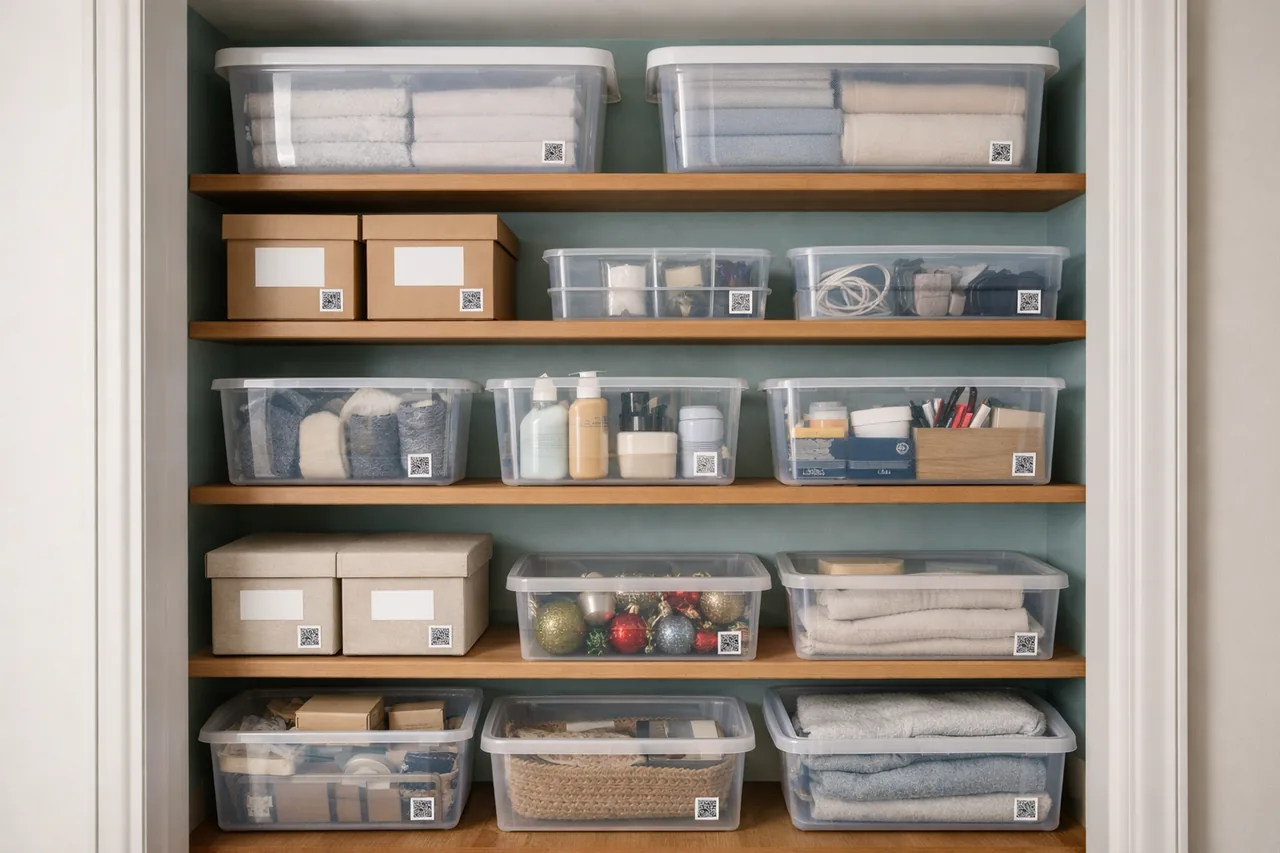
Closet-ready organization
StorageKeep every shelf and bin discoverable with structured labeling.
Privacy-first home inventory
Offline inventory management for real storage: scan QR labels, see what’s inside, and stay organized with your data offline by default while optionally syncing automatic backups to Google Drive (Android) or iCloud (iOS).
Start on mobile (Android or iOS), unlock unlimited boxes with a one-time purchase. See pricing.
Real-life context
Placefolio works across closets, garages, and storage zones where labels and quick lookup matter.
Keep every shelf and bin discoverable with structured labeling.
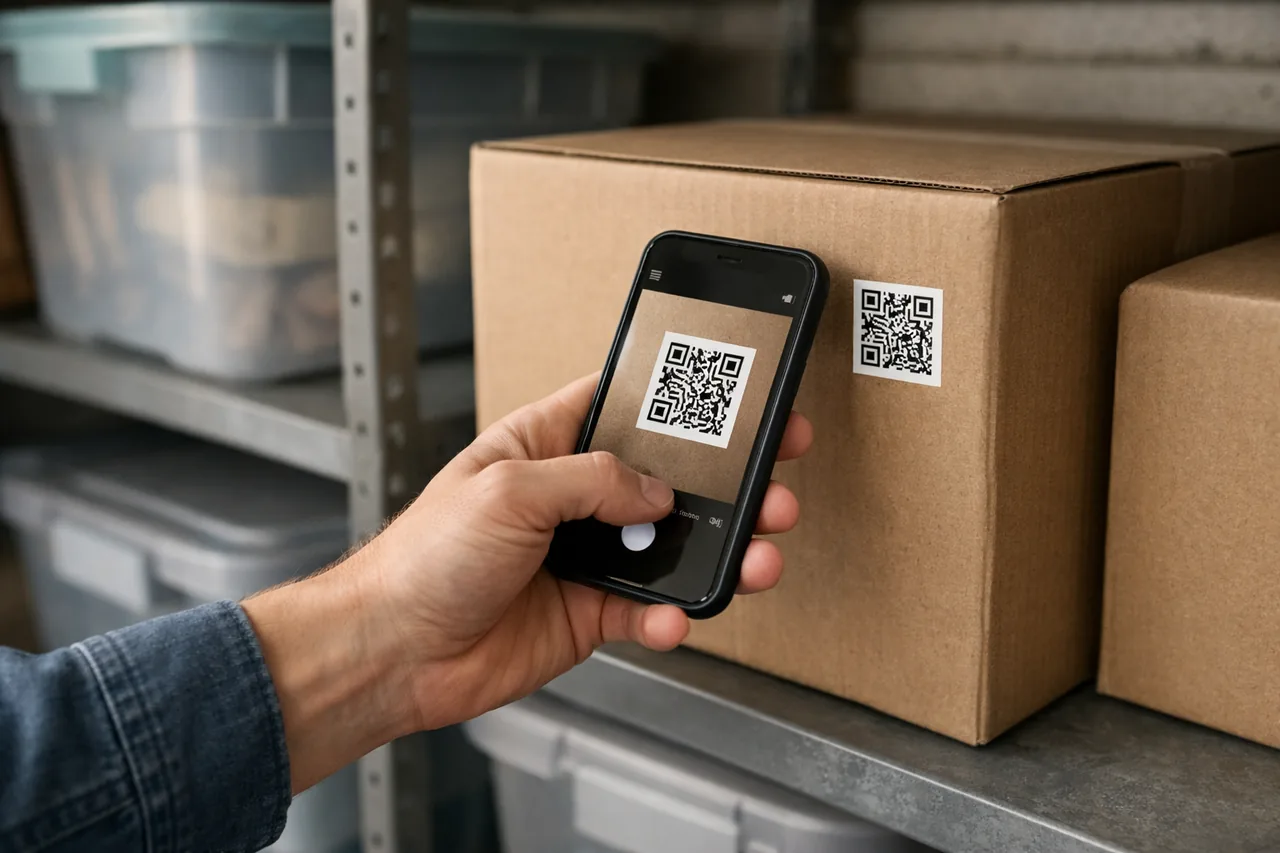
Scan a box label and pull up contents instantly before opening anything.
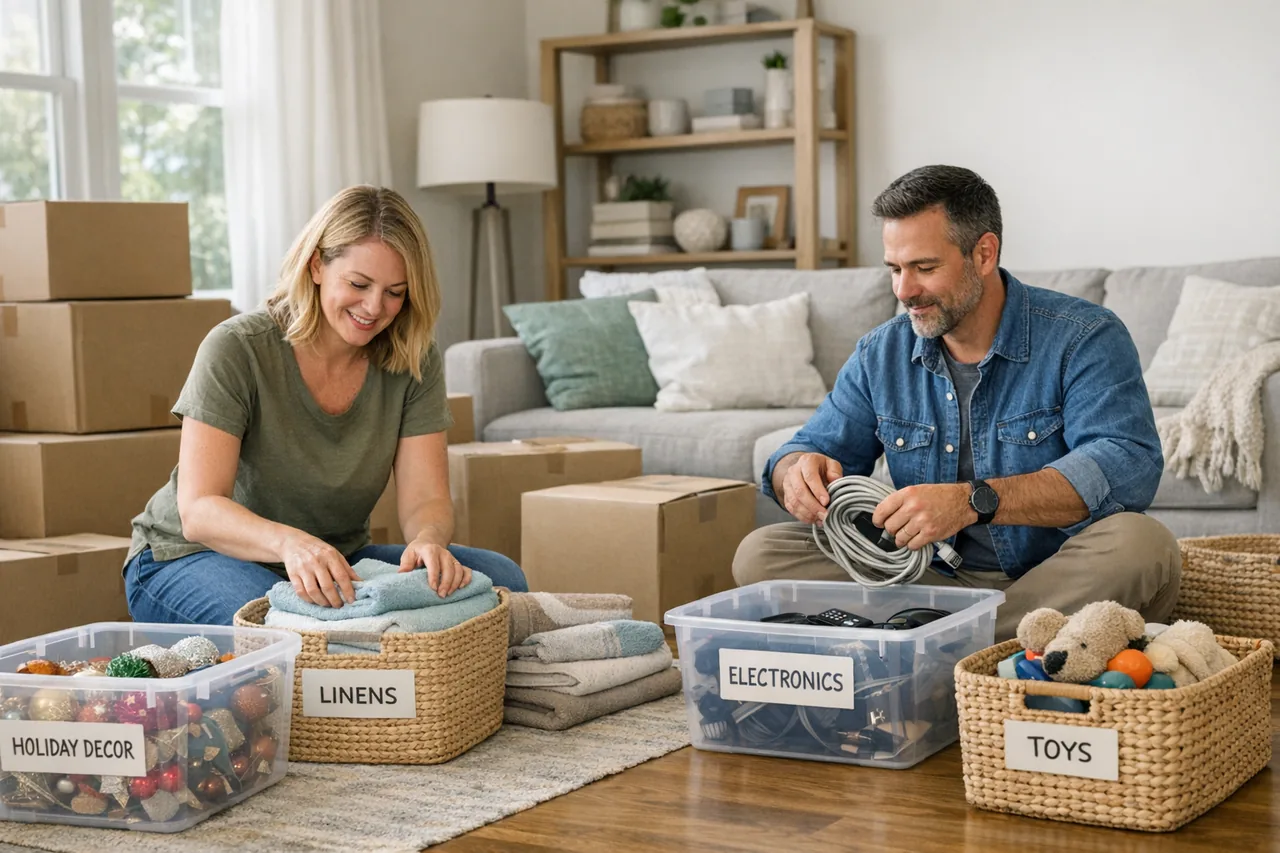
Track what is packed where across rooms, bins, and long-term storage.
Why Placefolio
A single purpose: give you a trustworthy view of what you own and where it is.
Scan a label and instantly see a box’s contents.
No cloud accounts by default, no tracking, no third-party data sharing, and optional Google Drive (Android) or iCloud (iOS) backups you control.
Attach receipts, warranties, and insurance references where they belong.
Track items across rooms, homes, and storage units with a consistent structure.
Optional local Wi‑Fi sync between Android/iOS and Windows keeps data local, and you can link Google Drive (Android) or iCloud (iOS) for automatic backups.
No subscriptions. One-time purchases for the capabilities you need.
How it works
Put a QR label on bins, boxes, drawers, or shelves.
Add names, photos, and details only when they’re useful.
Scan the label to see what’s inside before you open anything.
Physical labels
The PlaceFolio QR Label Kit turns the app's scan-first workflow into a ready-to-apply system for shelves, bins, boxes, and storage zones.
/PF-QR-48-001-048-1.png)
A ready-to-use kit built for real storage setups, with labels and the full app workflow packaged together.
/PF-QR-48-001-048-2.png)
Put a label on the container, scan it in Placefolio, and jump back to the right box when you need it later.
/PF-QR-48-001-048-5.png)
Use the kit across stacked bins, cardboard boxes, and shelf systems without needing to print anything first.
/PF-QR-48-001-048-7.png)
The label system is designed to work directly with the Placefolio app, including the bundled full mobile unlock.
Screenshots
A quick look at how Placefolio keeps boxes, contents, and search results one scan away.
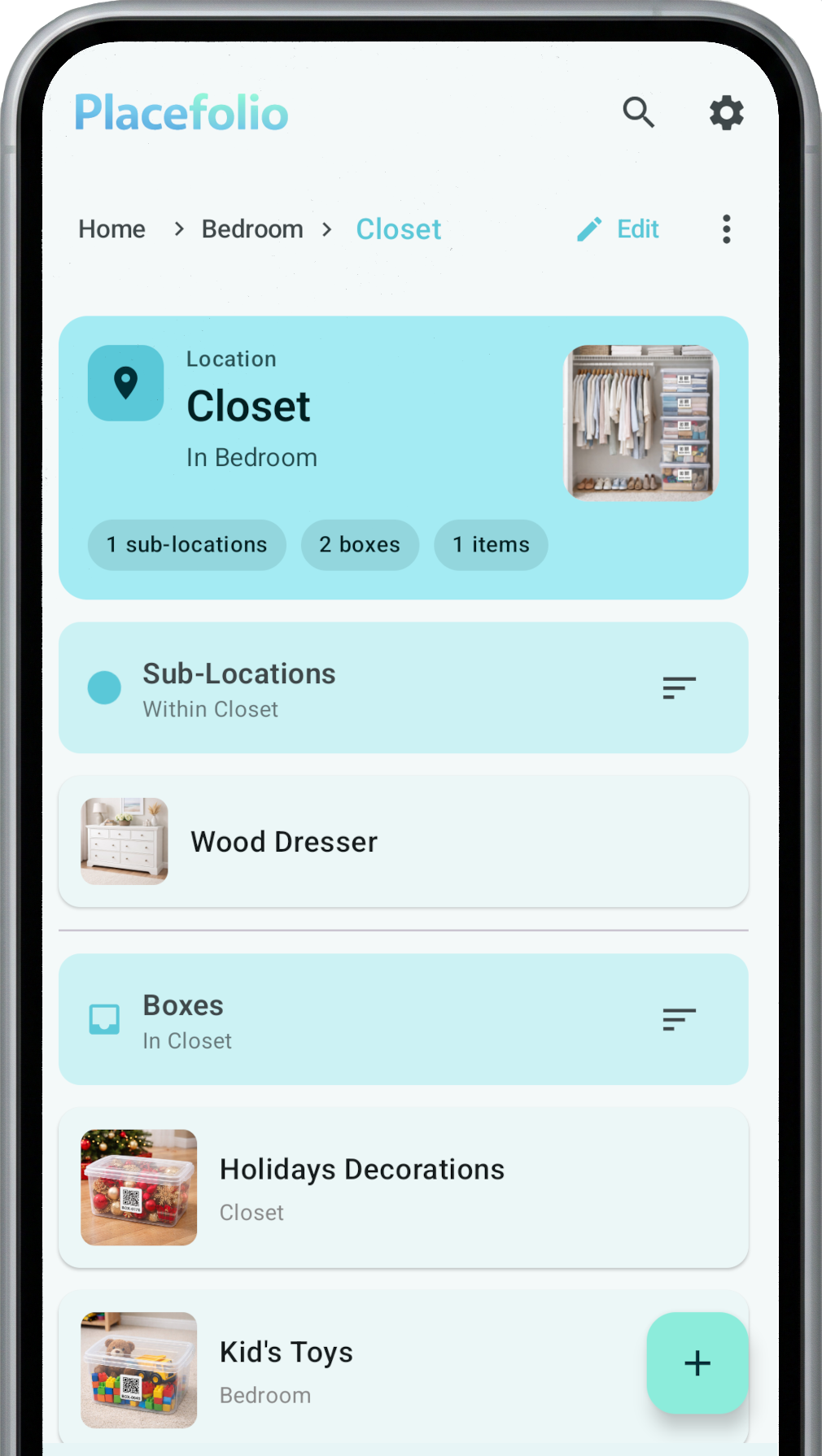
List boxes by room/location. Scan to open.
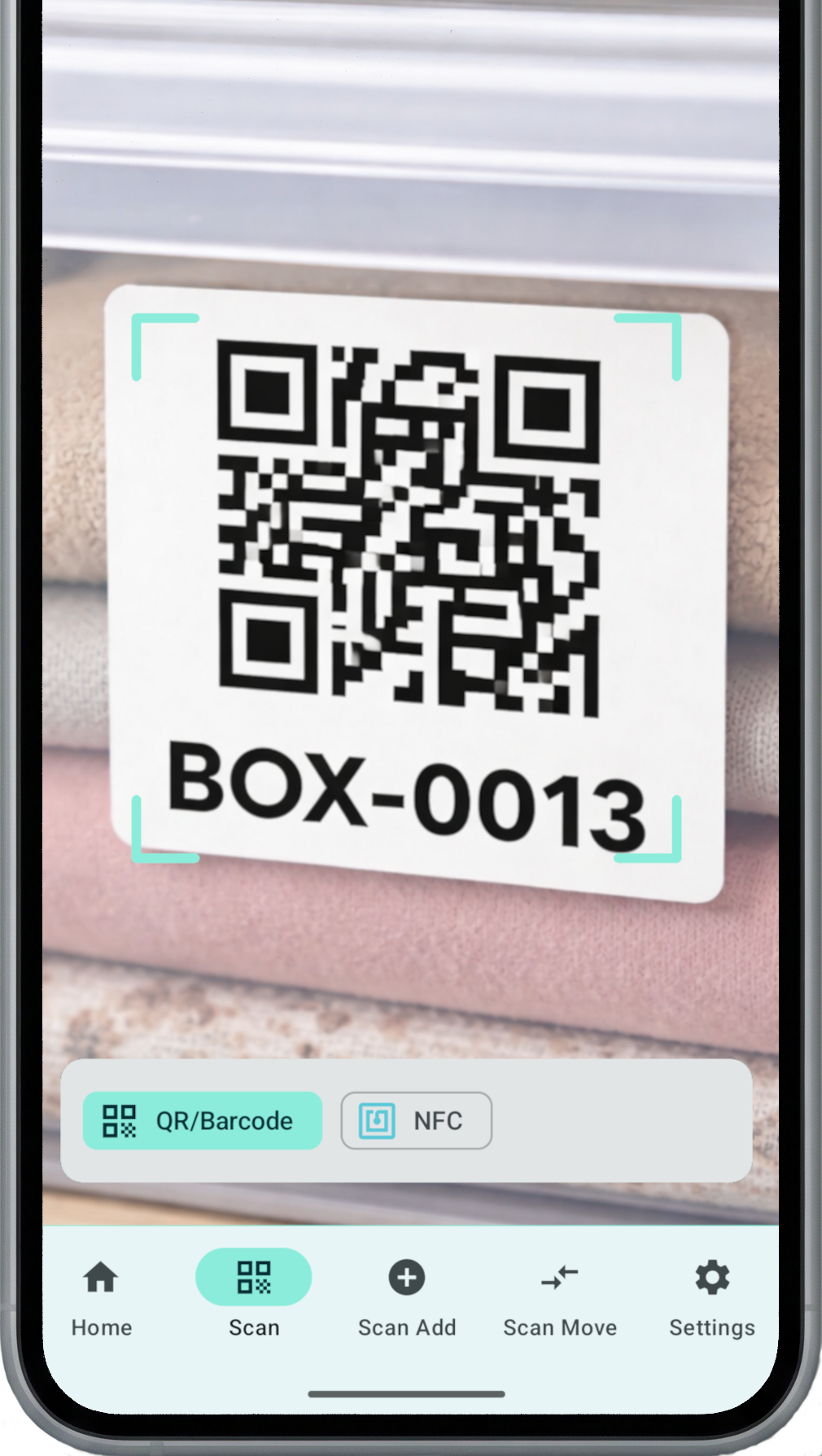
Camera scanning for fast lookup.
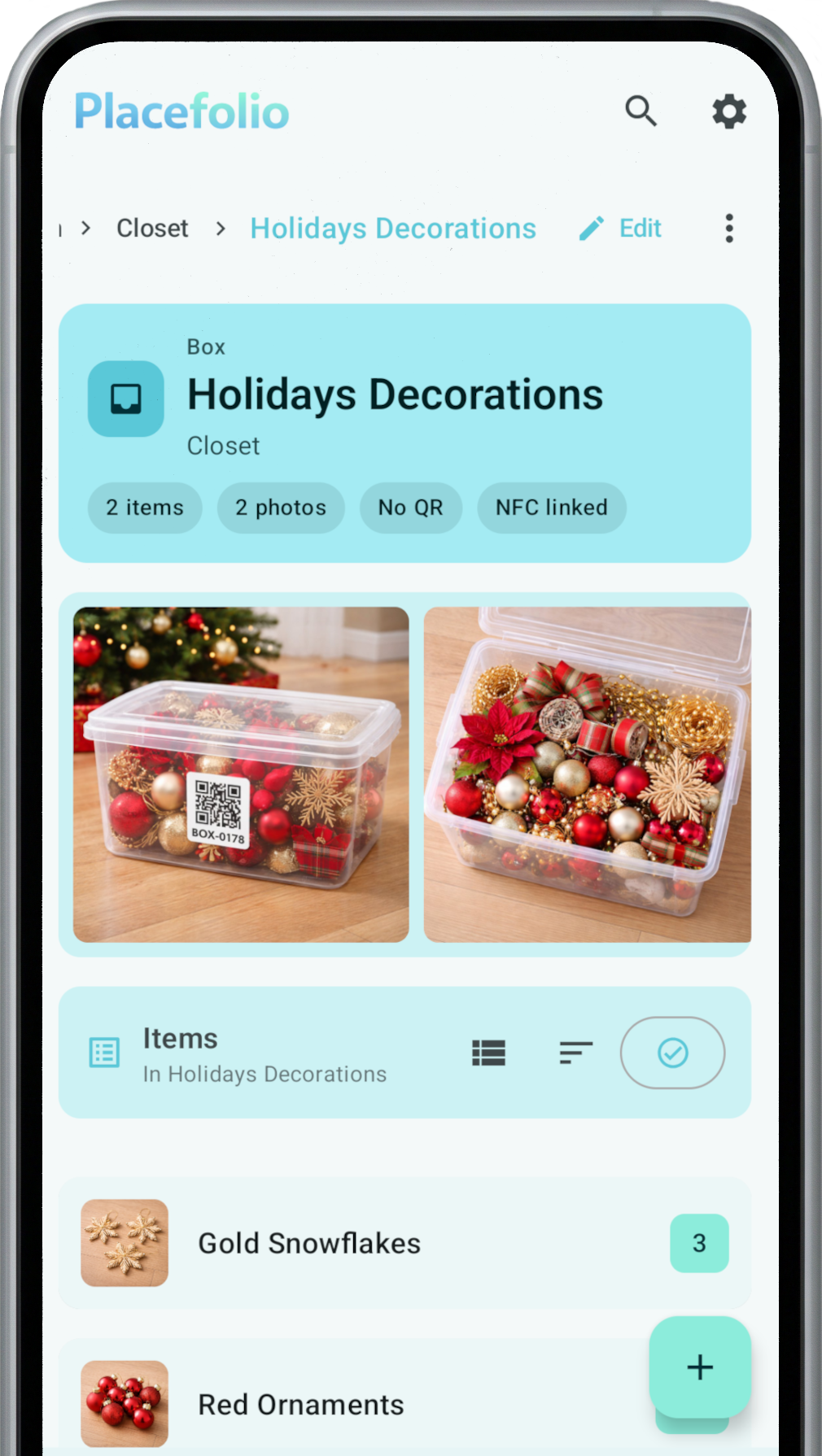
Photos, contents, notes, and attachments in one place.
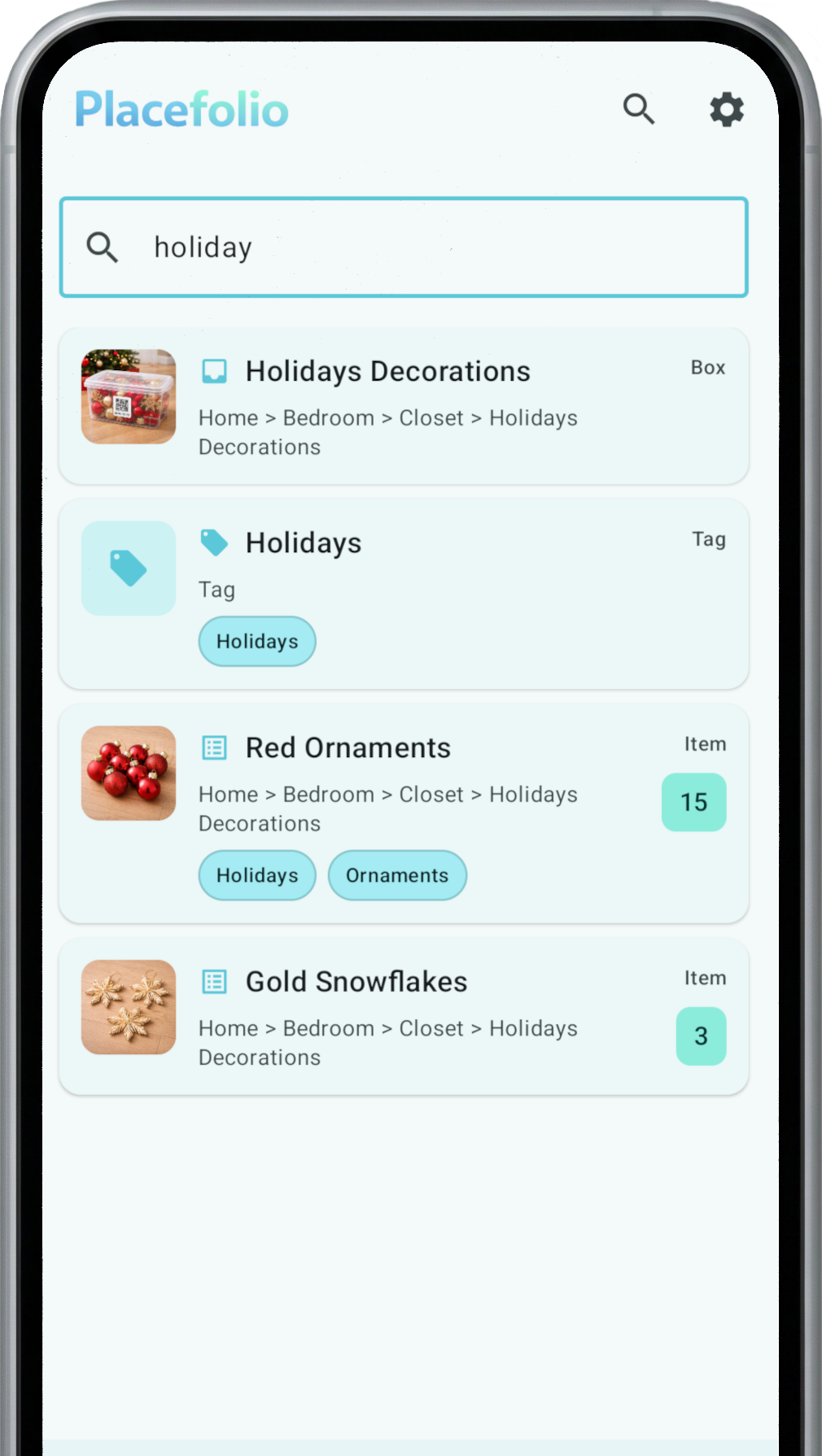
Find an item and jump directly to its box.
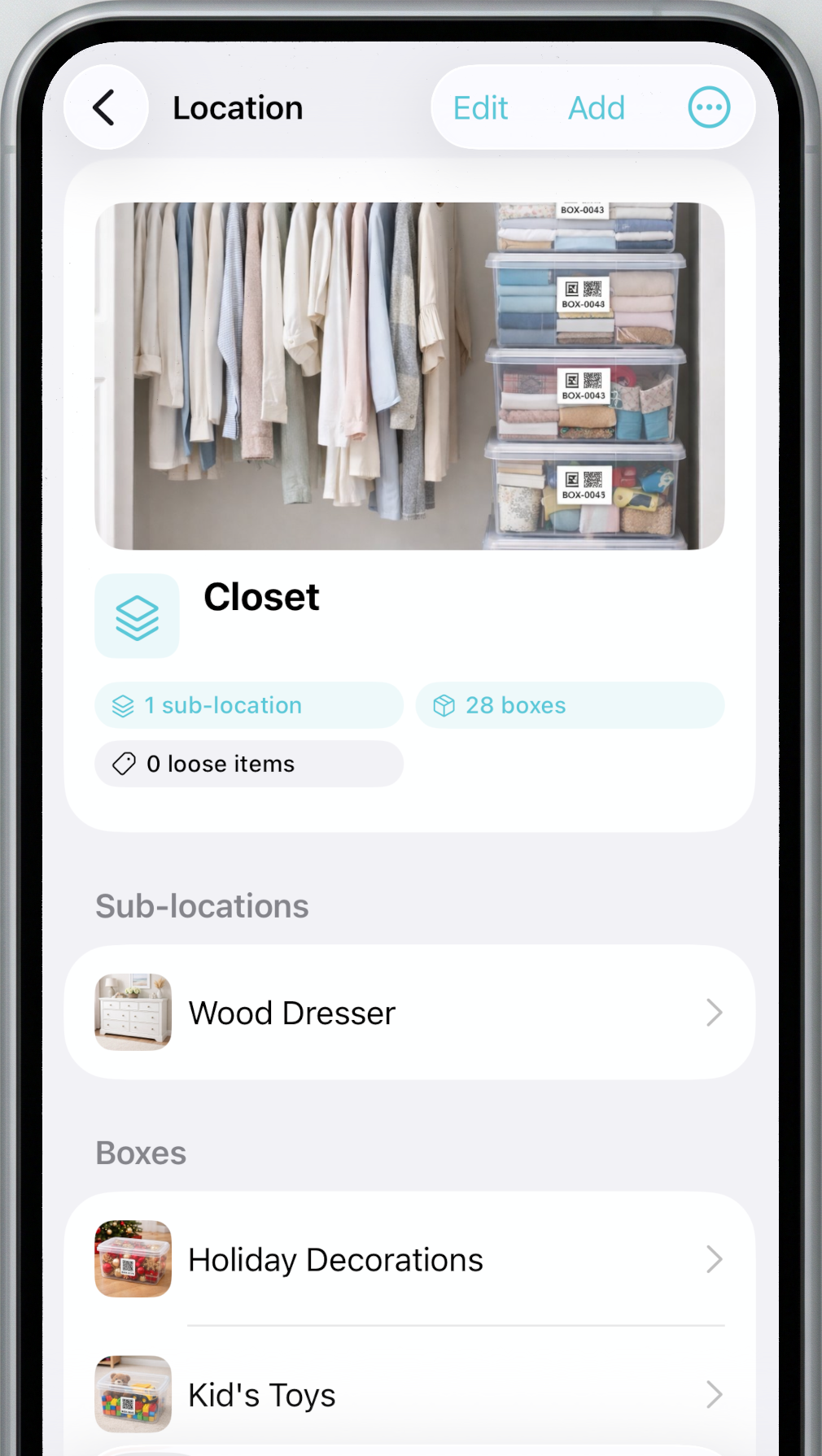
List boxes by room/location. Scan to open.
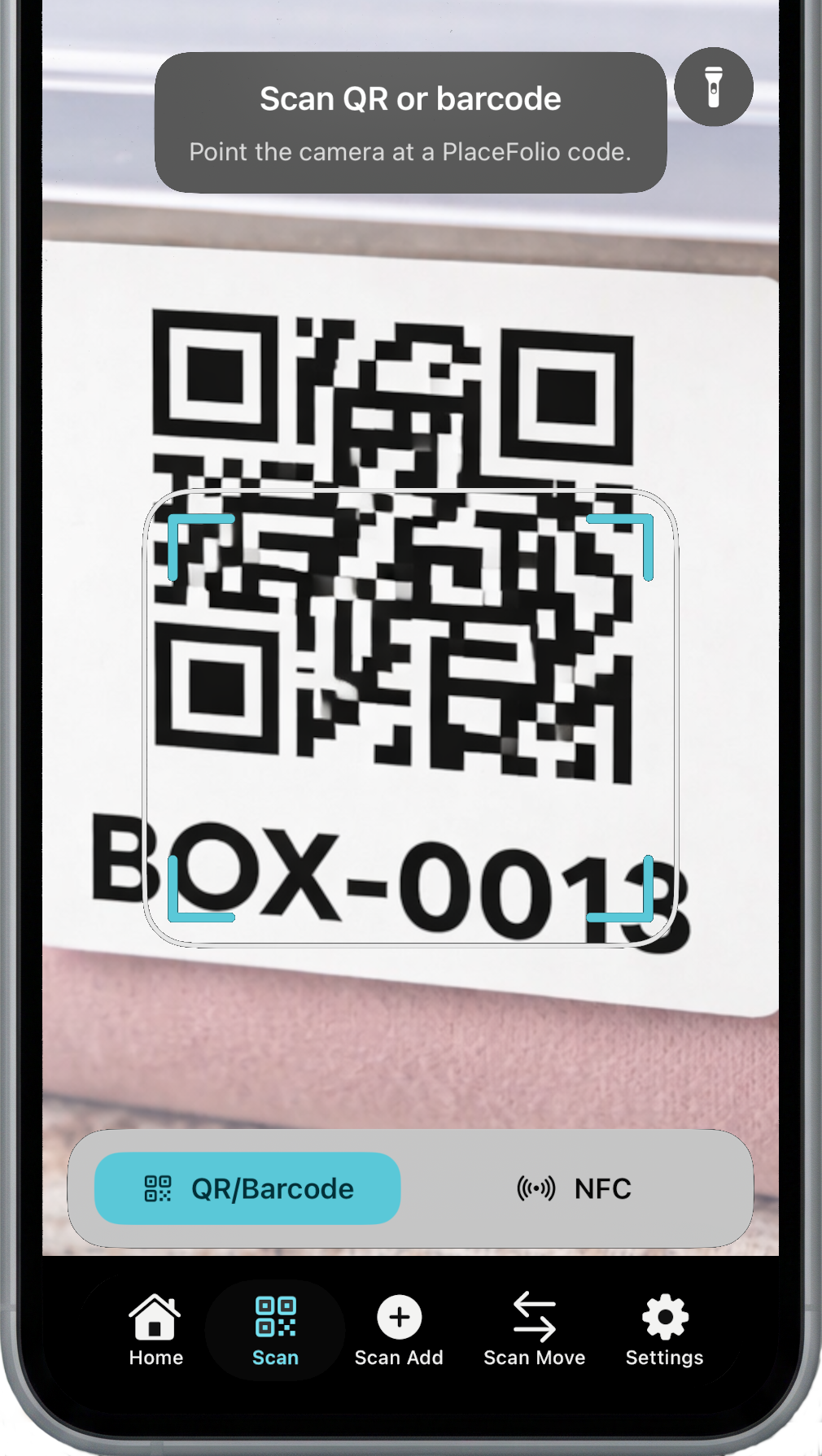
Camera scanning for fast lookup.
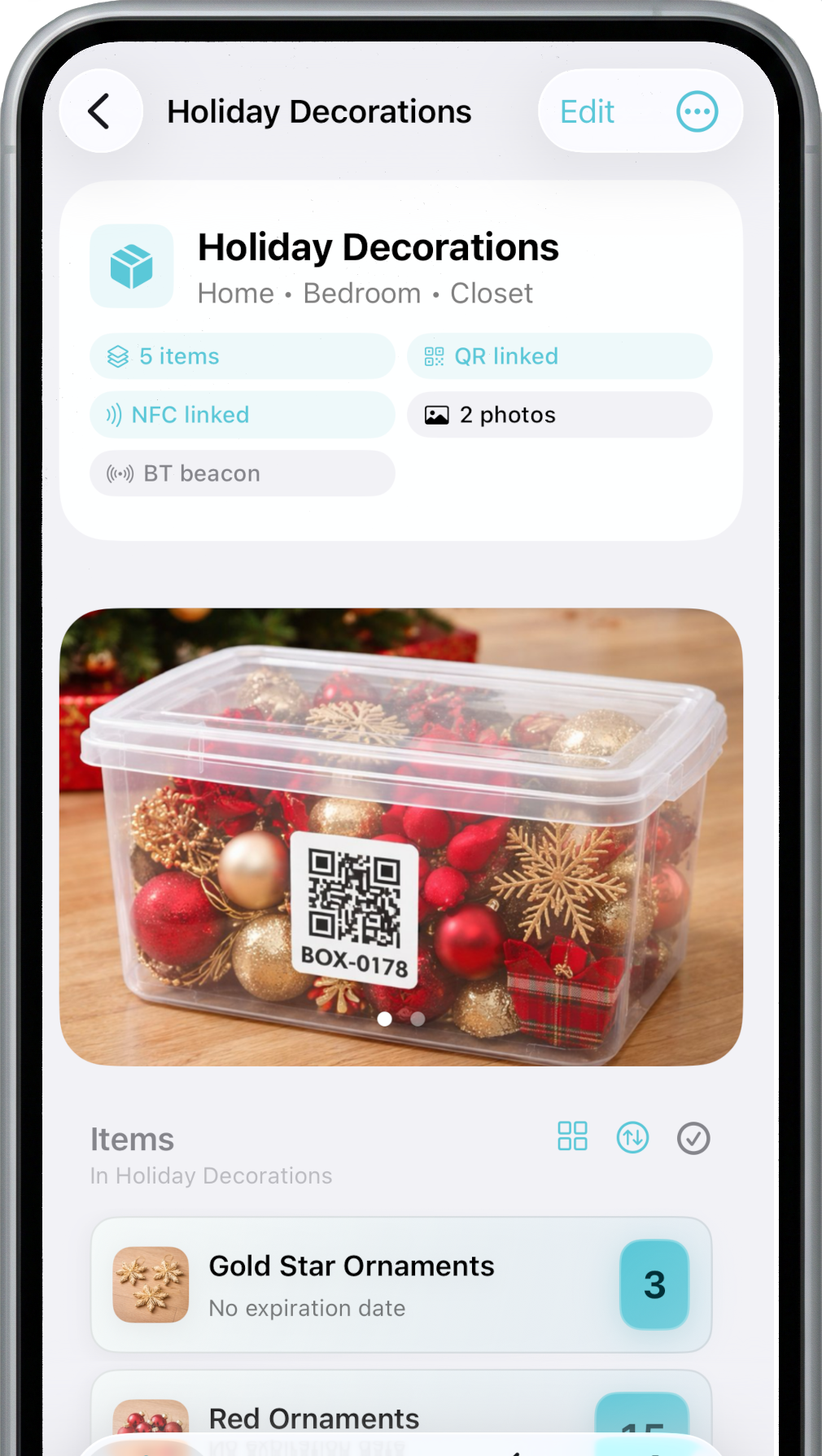
Photos, contents, notes, and attachments in one place.
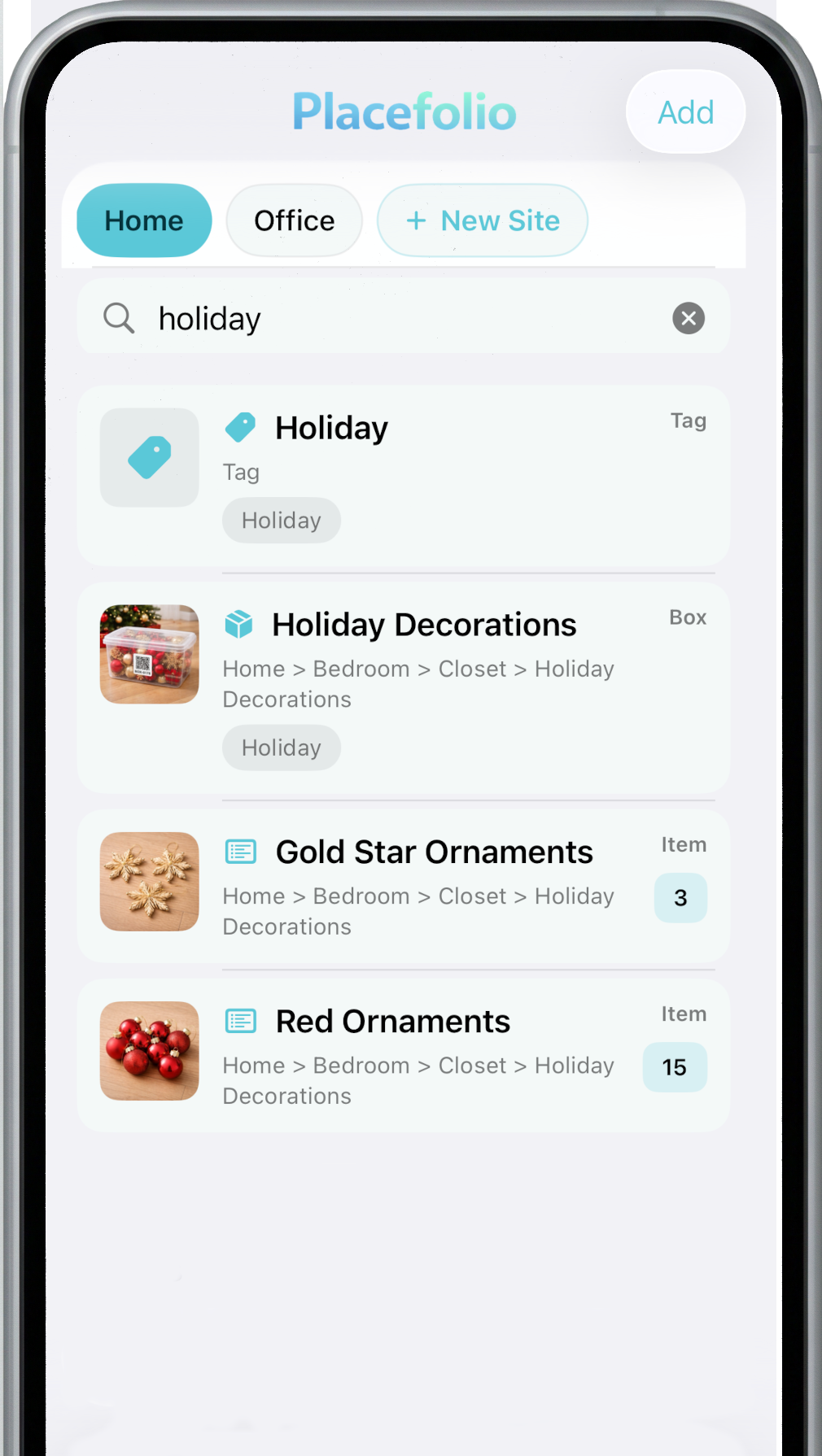
Find an item and jump directly to its box.
Download
Offline-first inventory management with QR scanning and optional Google Drive backup.
Android 8.0+.
Same core functionality as Android, with optional iCloud backup support.
Available now on the Apple App Store.
Full desktop experience and optional local sync server for Android and iOS.
Available for Windows 10/11.
Privacy note: Placefolio does not run a cloud service.
Read the Privacy Policy for details on permissions and data handling.